
Detailed Description
Cash Accounts module provides a simple and efficient way to manage cash accounts within the system.Easily create and manage cash accounts and maintain accurate financial records.
- Login to Futex Books
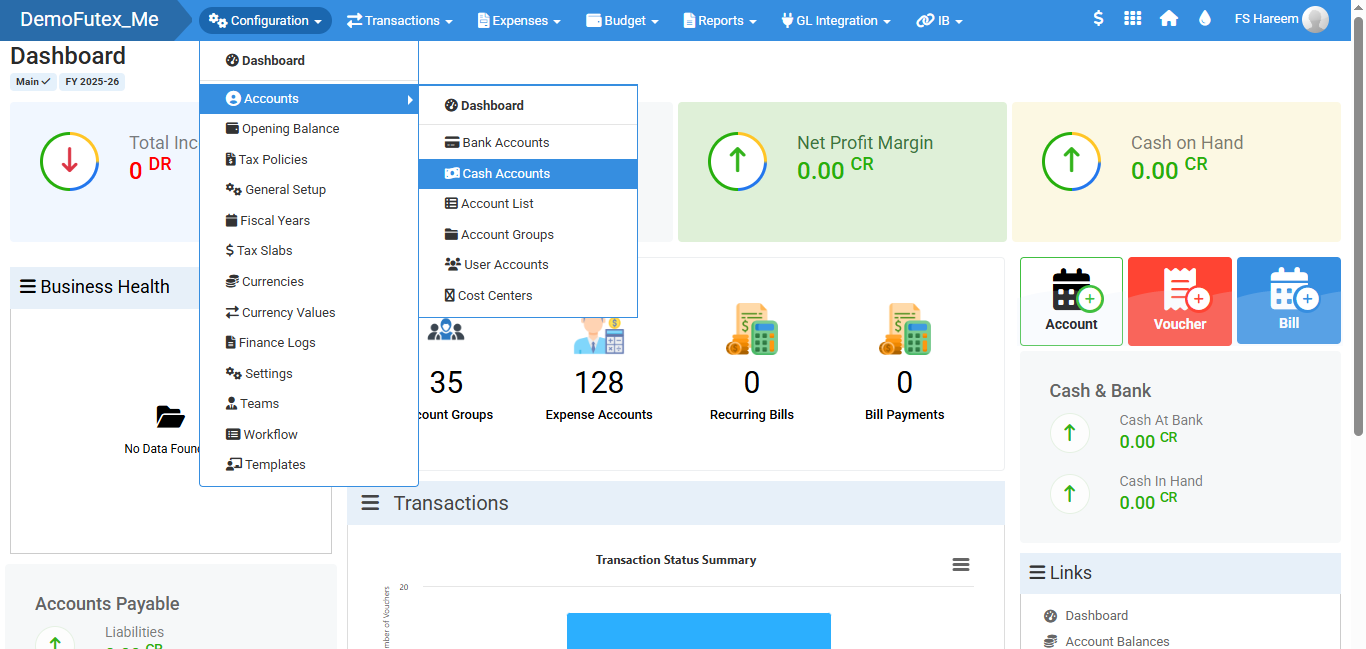
- Click on Configuration > Accounts > then click on Cash Accounts
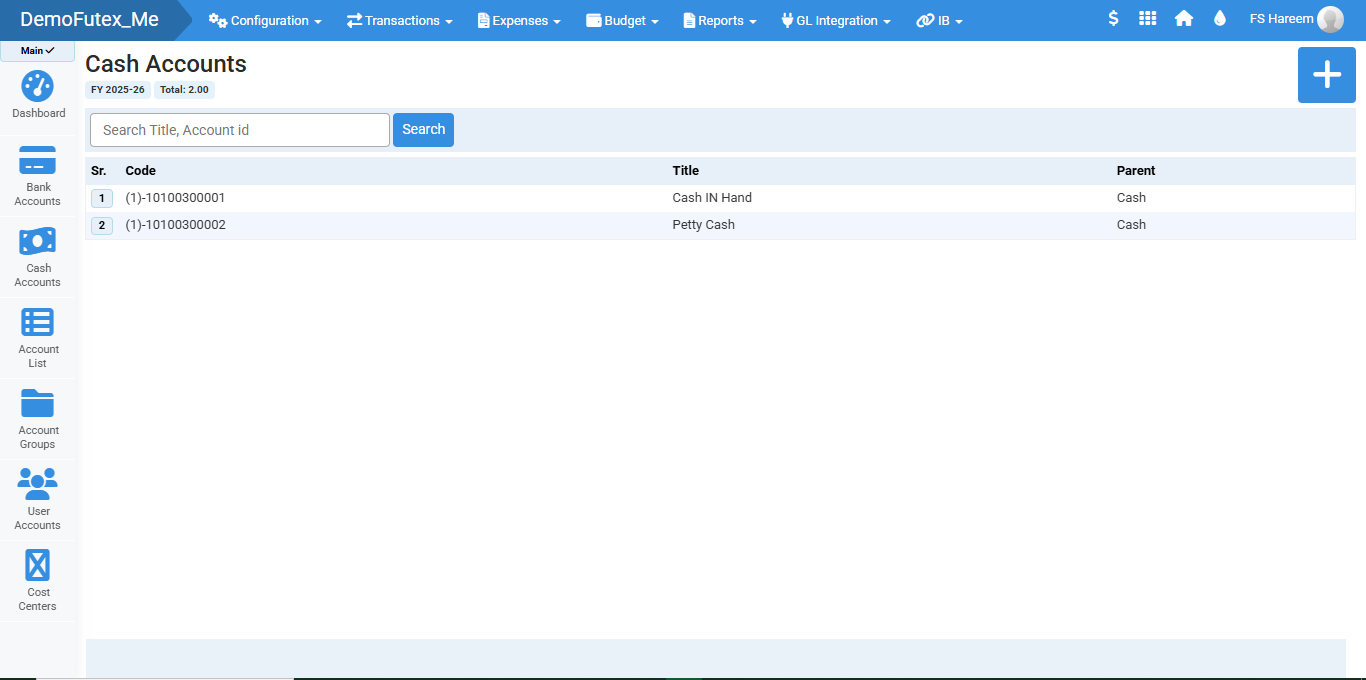
- Click the Plus (+) button on the top right to add a new cash account
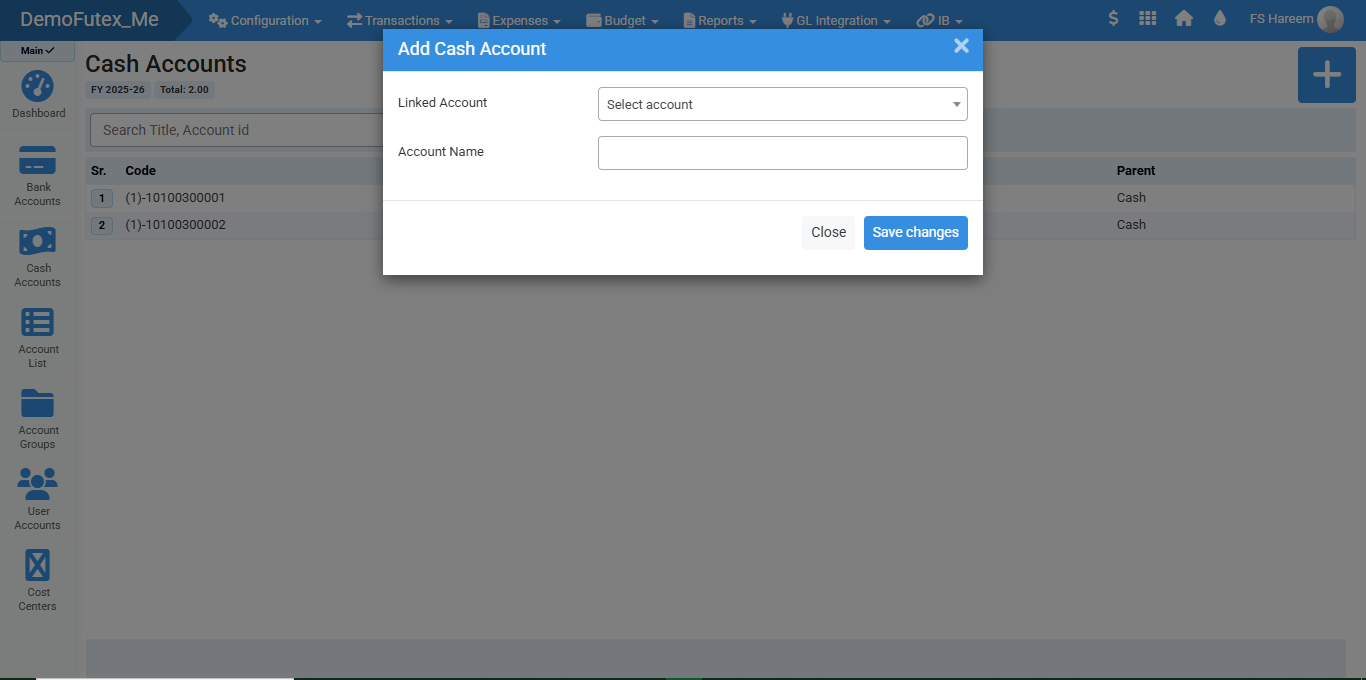
- In Linked Account select the account you want to link for your cash management
- Enter the name for your cash account
- Click 'Save' the system will store your cash account.
- You can search Account's ID or title to find your desired account
Visual Walkthrough
No video tutorial available.
No related articles found in this category.