
Detailed Description
The User Accounts module allows your administrators to assign financial accounts to users through the Chart of Accounts, set credit and debit limits, and manage secure access to financial operations.
- Login to your Futex Books
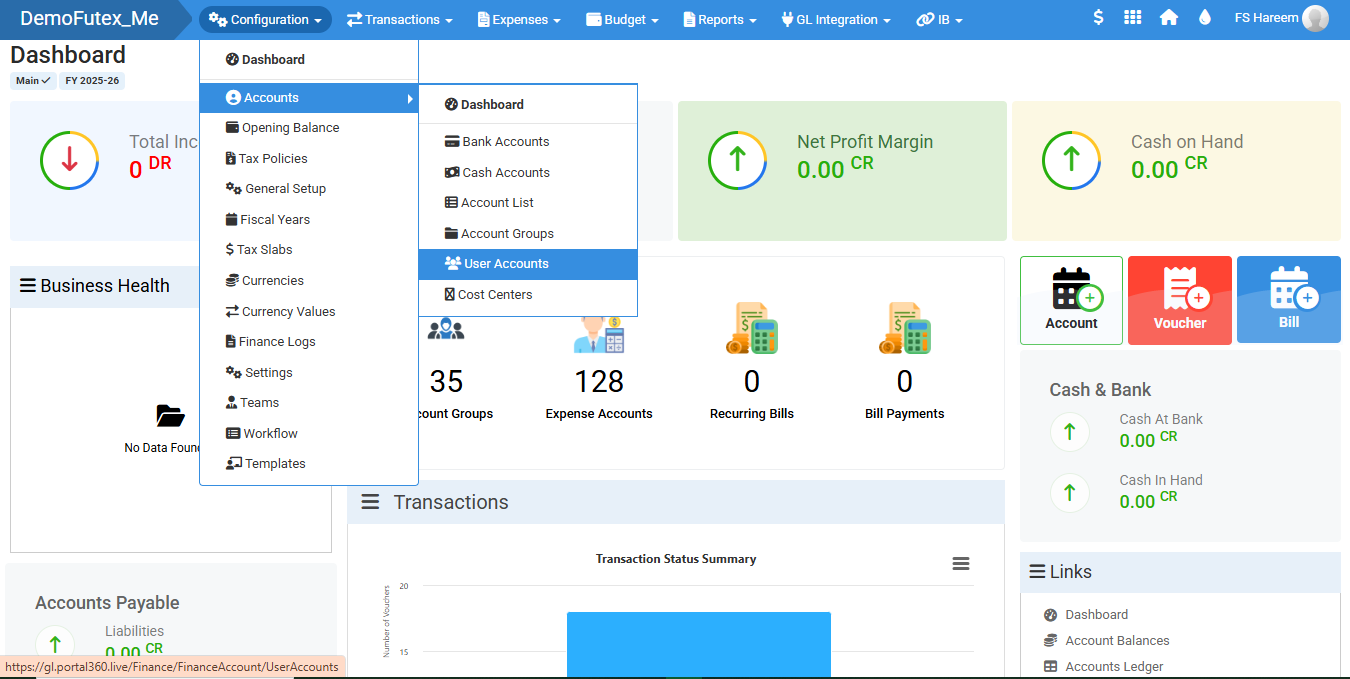
- Select Configuration > Accounts > click User Accounts
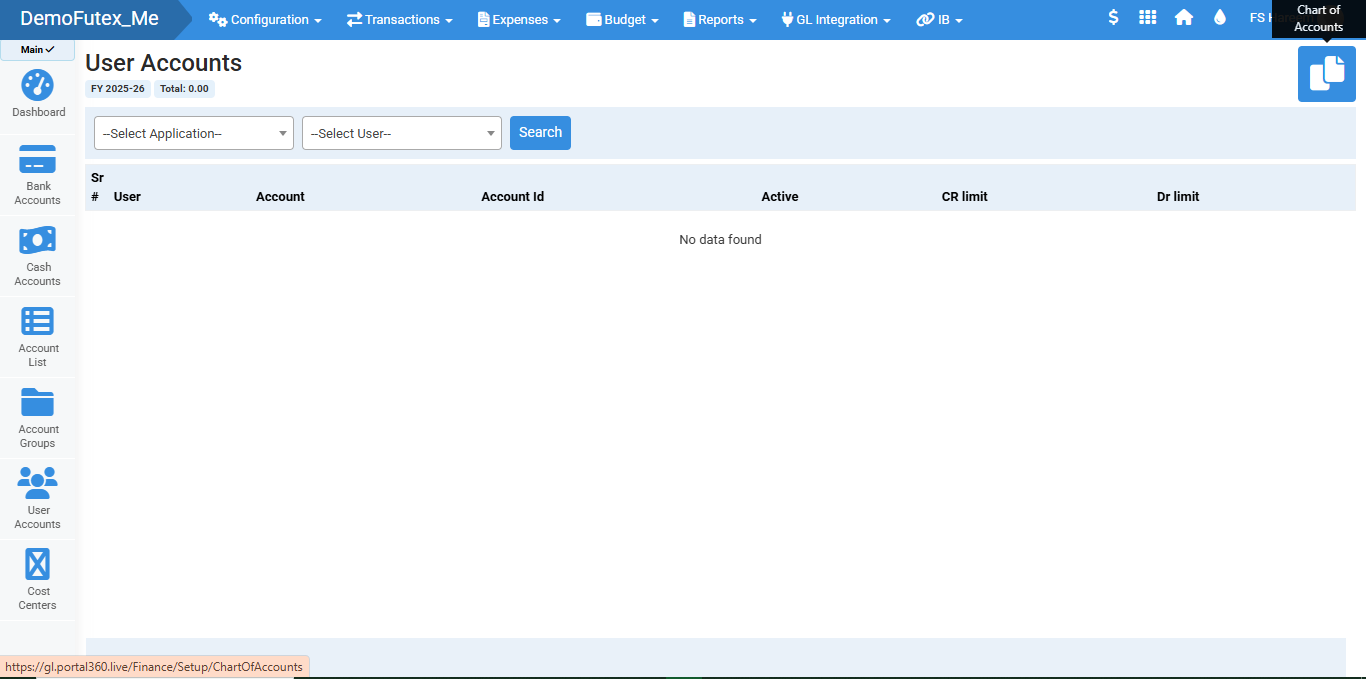
- Click the Chart of Accounts button to select accounts and assign them to users for controlled financial access and transaction limits
- Use a Search Bar to find a specific account
Visual Walkthrough
No video tutorial available.
No related articles found in this category.