
Detailed Description
How to Add Vehicle Licensing
- Navigate to Fleet → Licensing
- Click + for adding New
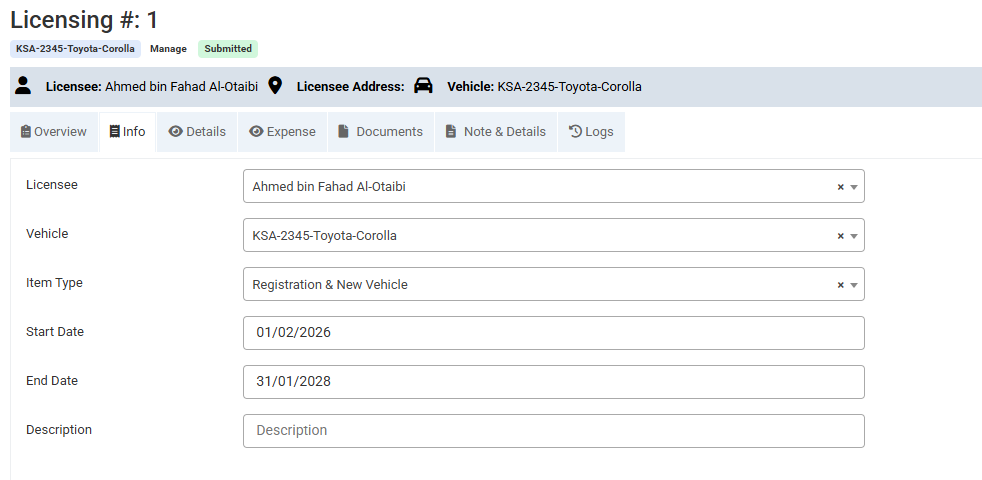
- Select Licensee
- Select Vehicle
- License/Item Type
- Start Date
- End Date
- Enter some Description (Optional)
- Click Save button
- After saving the basic license information, you can enter additional details. Add License Items, record License Expenses, and attach related documents if available. You may also include Terms & Conditions (optional) for complete record management.
Visual Walkthrough
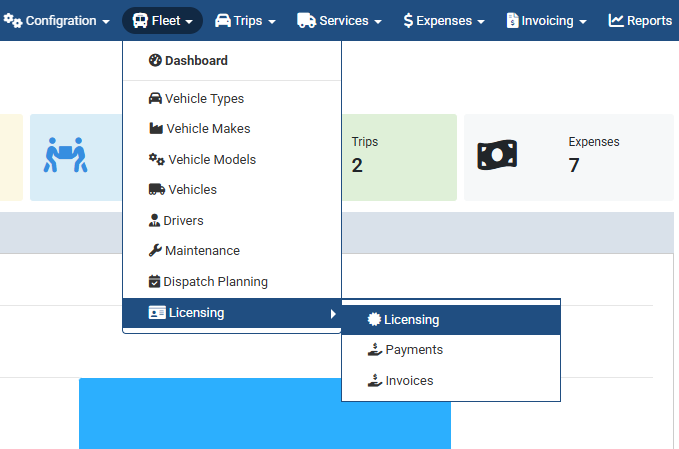
Add Vehicle Licensing :
- Navigate to Fleet → Licensing
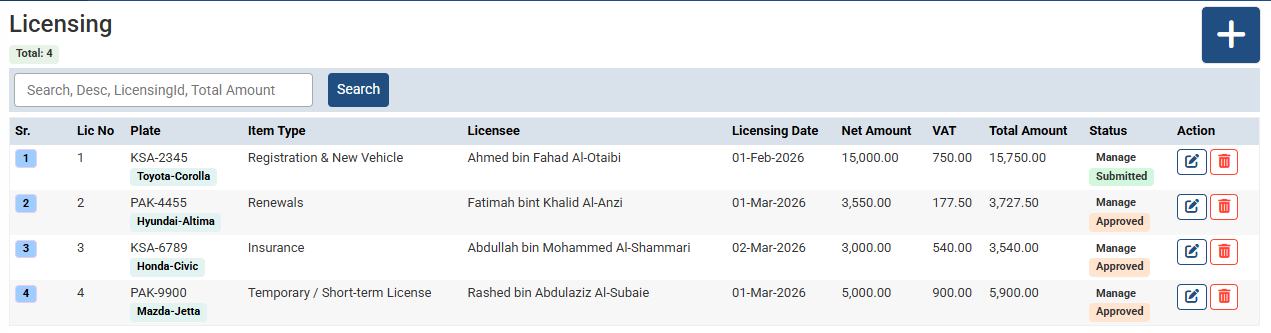
Add Vehicle Licensing :
- Click + for adding New
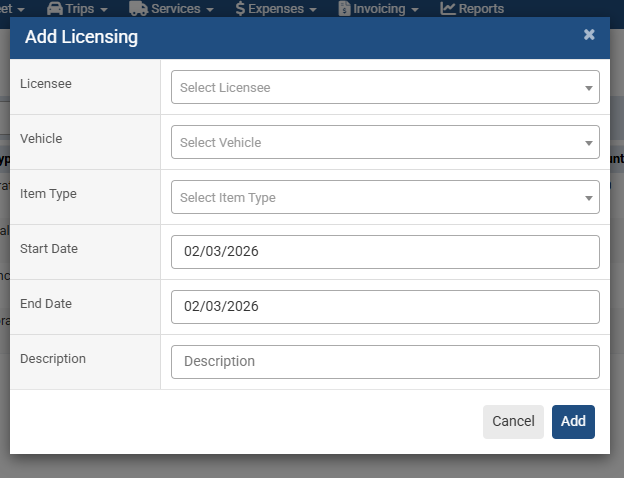
Add Vehicle Licensing :
- Select Licensee
- Select Vehicle
- License/Item Type
- Start Date
- End Date
- Enter some Description (Optional)
- Click Save button
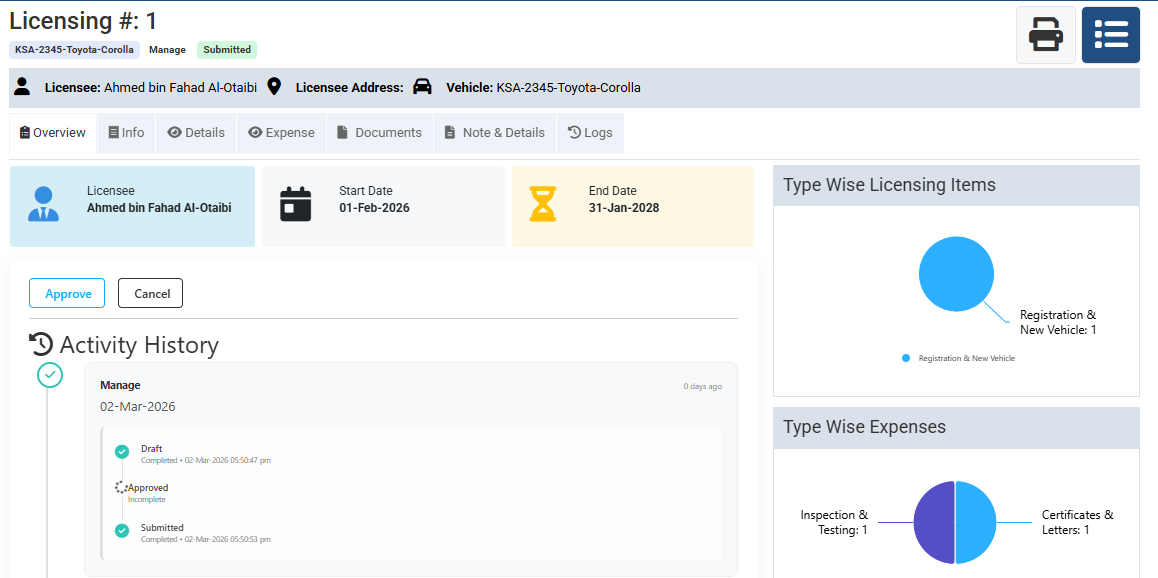
Add Vehicle Licensing :
The Overview page provides a centralized dashboard to monitor overall system performance. It displays important operational data, workflow stages, and current statuses in an easy-to-understand visual format. Users can quickly track progress, identify pending tasks, and analyze completed activities.
Add Vehicle Licensing :
Add or Modify some basic Info from here
Add Vehicle Licensing :
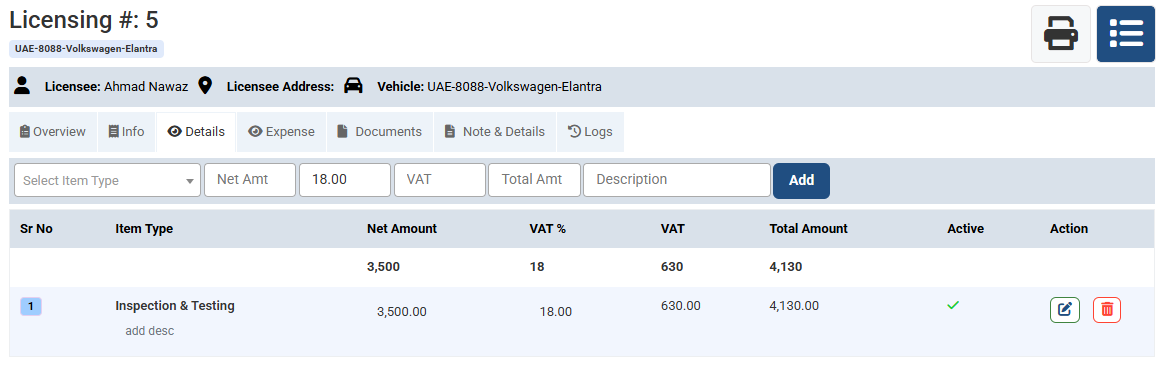
Add more License Items/Type, Qty, Price & etc
Add Vehicle Licensing :
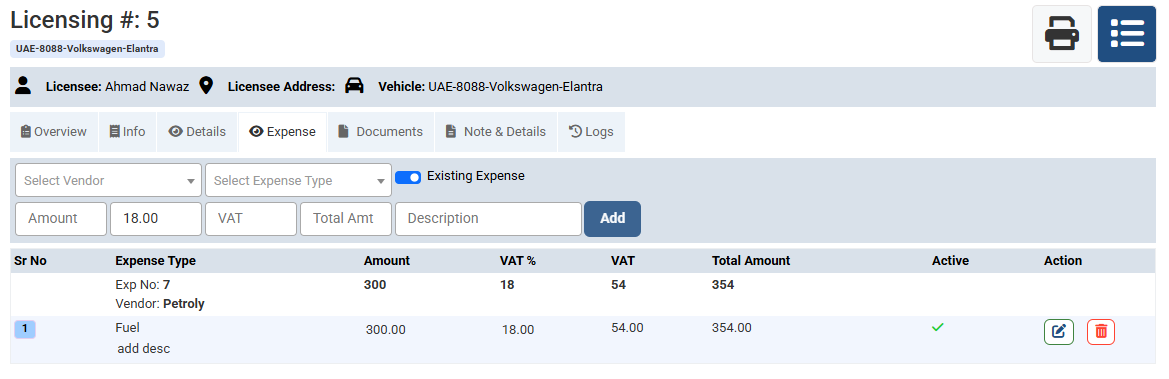
This feature allows users to record license-related expenses efficiently. You can categorize costs
Add Vehicle Licensing :
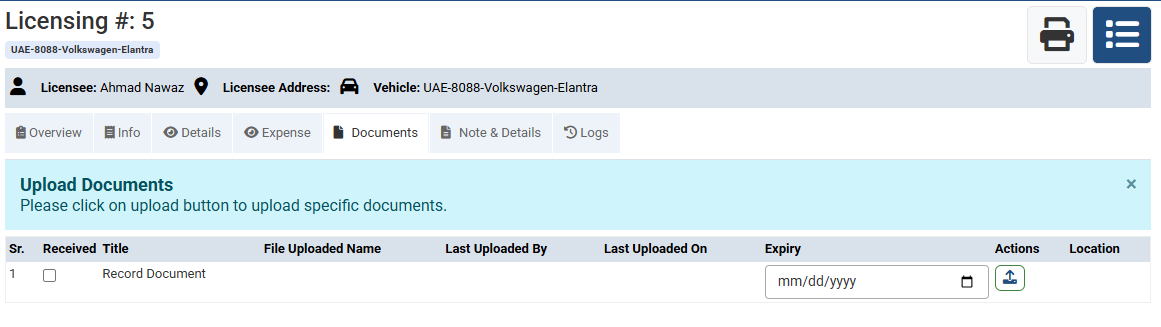
Attach related documents if available
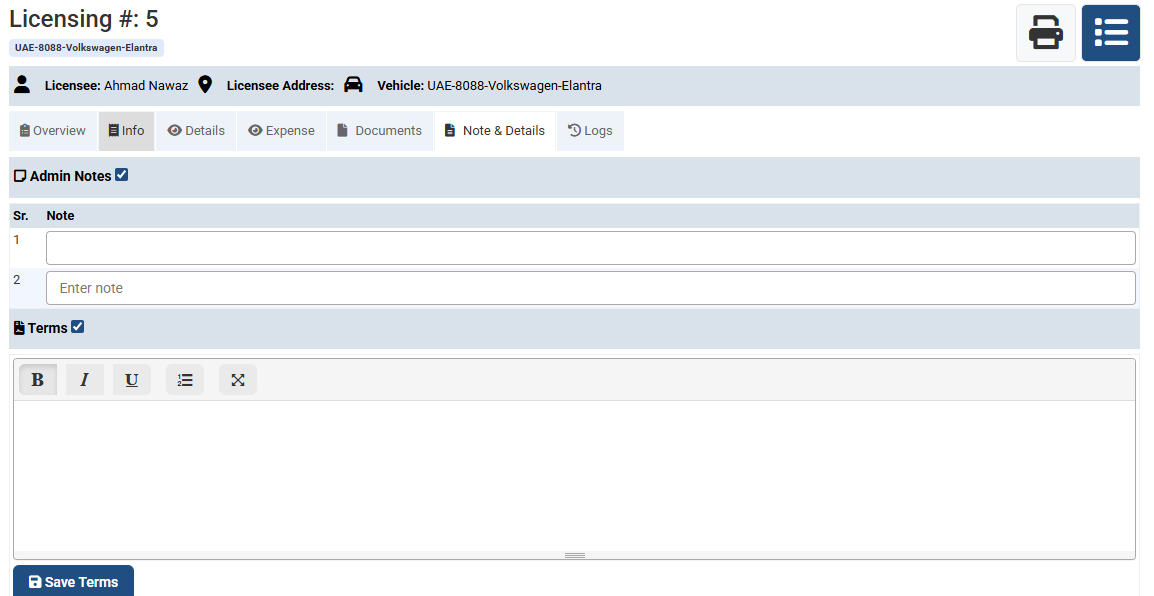
Add Vehicle Licensing :
You may also include Terms & Conditions (optional) for complete record management.
No video tutorial available.
No related articles found in this category.
