
The Vaccine Type management feature allows HR administrators to create and configure various vaccine categories. By setting up these types, you can efficiently record which vaccines employees have received, ensuring a healthy and safe workplace environment.
Click on Employees and select the Vaccination option from the dropdown menu.
Click on the "+" (Add) button on the Vaccine Type screen to open the new entry form. Enter the vaccine Title and Description, then click the Add New button to save the record.
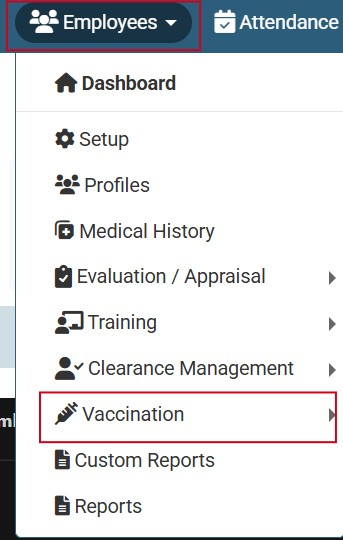
Click on Employees and select the Vaccination option from the dropdown menu.
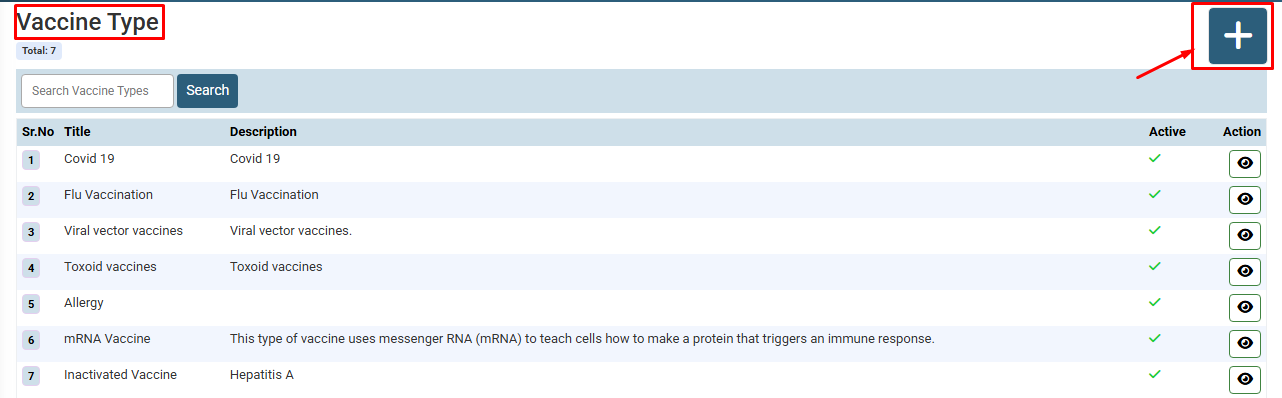
Click on the "+" (Add) button on the Vaccine Type screen to open the new entry form.
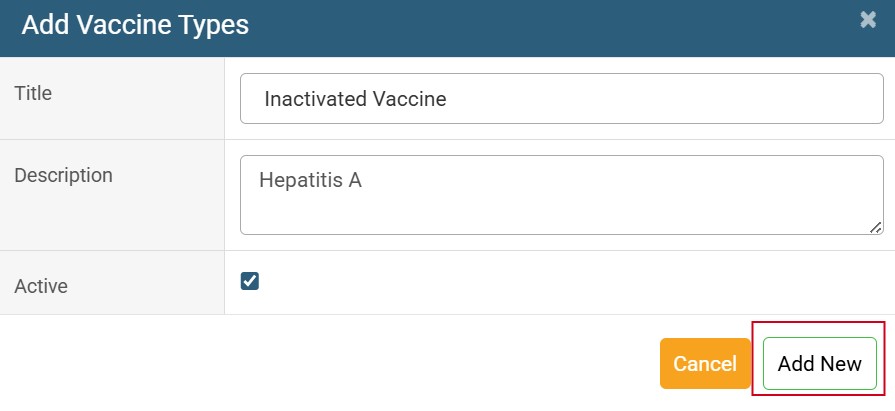
Enter the vaccine Title and Description, then click the Add New button to save the record
No video tutorial available.
No related articles found in this category.
