
The Update Vaccine Type feature allows HR administrators to modify and refine existing vaccine categories as per changing health policies or organizational requirements. By keeping these records updated, you ensure that the system accurately reflects the current immunization standards, helping maintain a compliant and secure health database for all employees.
Click on Employees and select the Vaccination module from the side menu. Locate the specific vaccine record from the list and click on the Edit (Eye icon) button to open the modification form. Modify the Title or Description fields as needed, then click the Update Info button to save your changes.
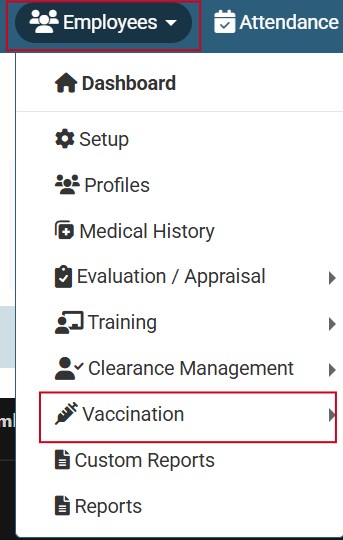
Click on Employees and select the Vaccination module from the menu.
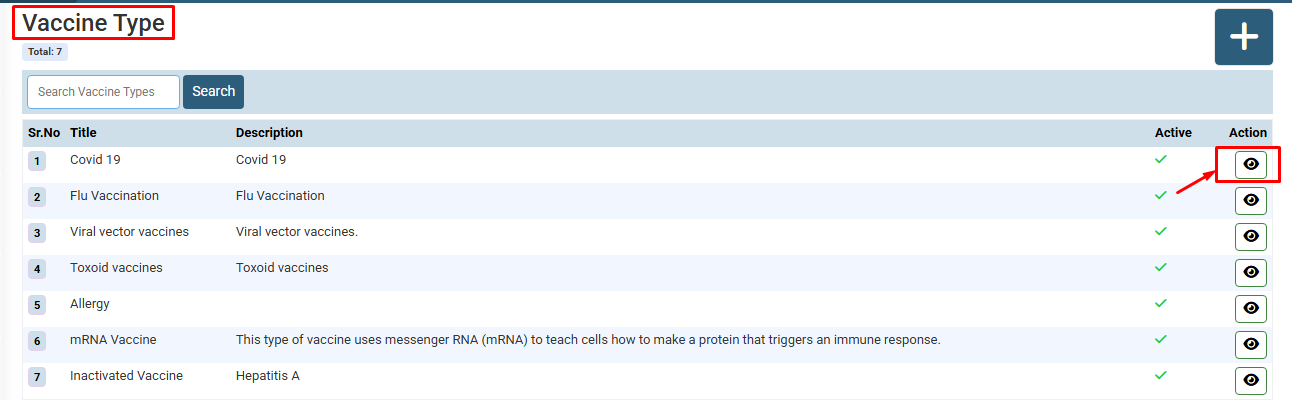
Locate the specific vaccine record from the list and click on the Edit (Eye icon) button to open the modification form.
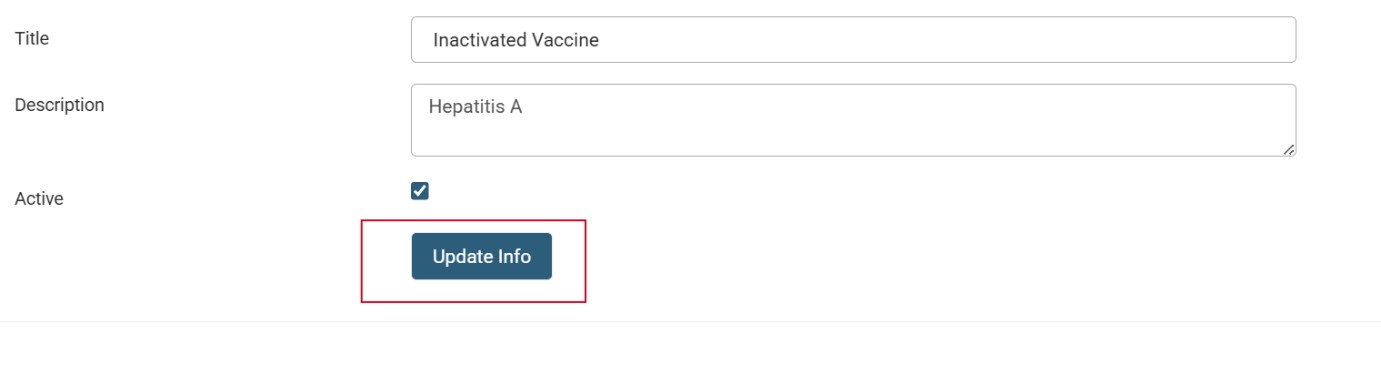
Modify the Title or Description fields as needed, then click the Update Info button to save your changes.
No video tutorial available.
No related articles found in this category.
